ernest makaika
Work
About
HOW BEACON WORKS
Simple. Powerful. Empowering
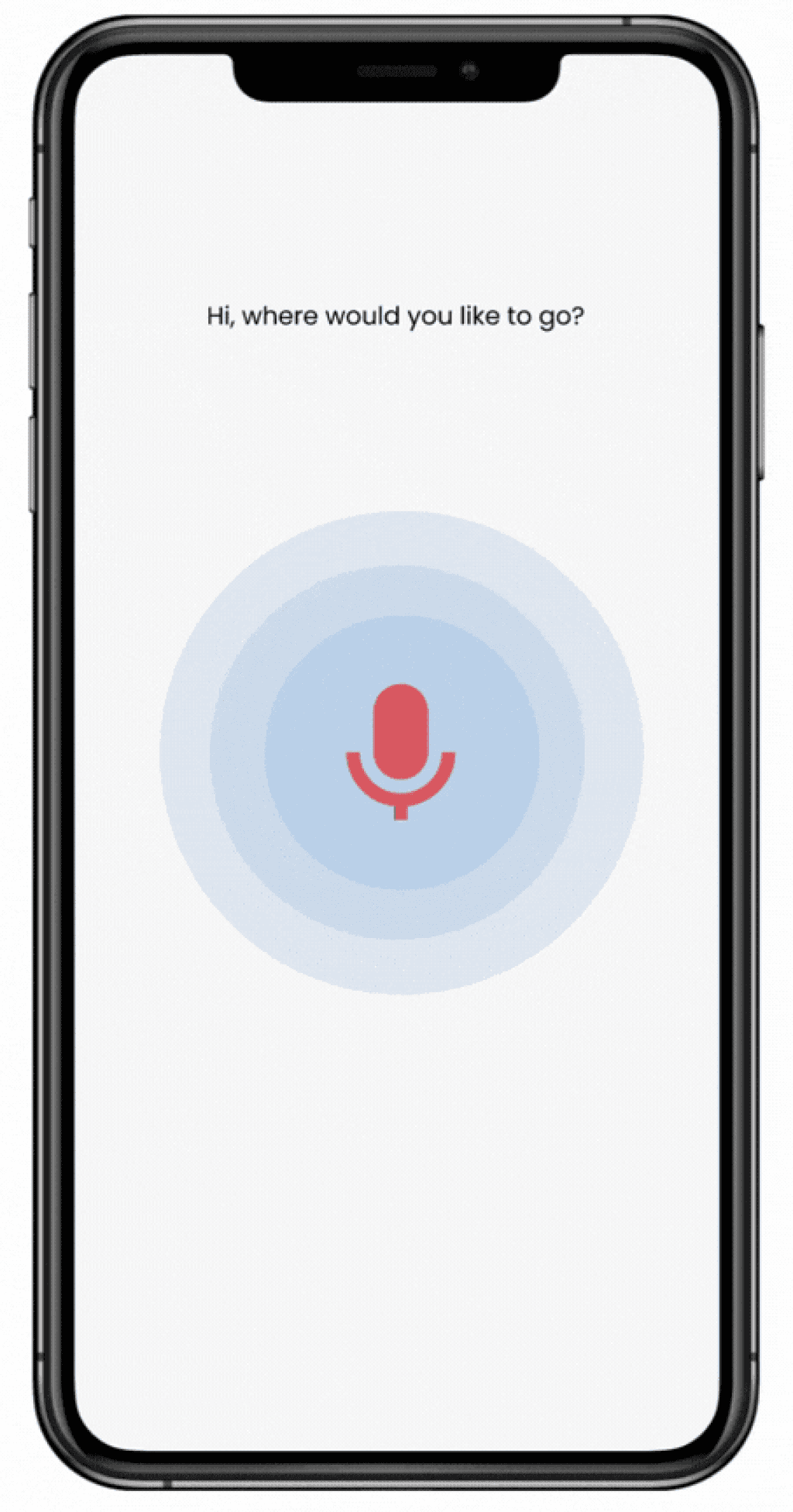
With simple voice commands say where they’d like to go
Simple voice commands
Vibration ensures safety by confirming turns while warning of obstacles ahead
Haptic feedback for additional Safety
Glasses detects obstacles and deliver audio: directions and alerts
Glasses detect obstacles
Beacon
Team
Role
Timeline
Product Designer
2 Contributors
8 Weeks
Empowering blind and low vision users to navigate more independently
CHALLENGE
How might we empower blind and low vision users navigate independently?
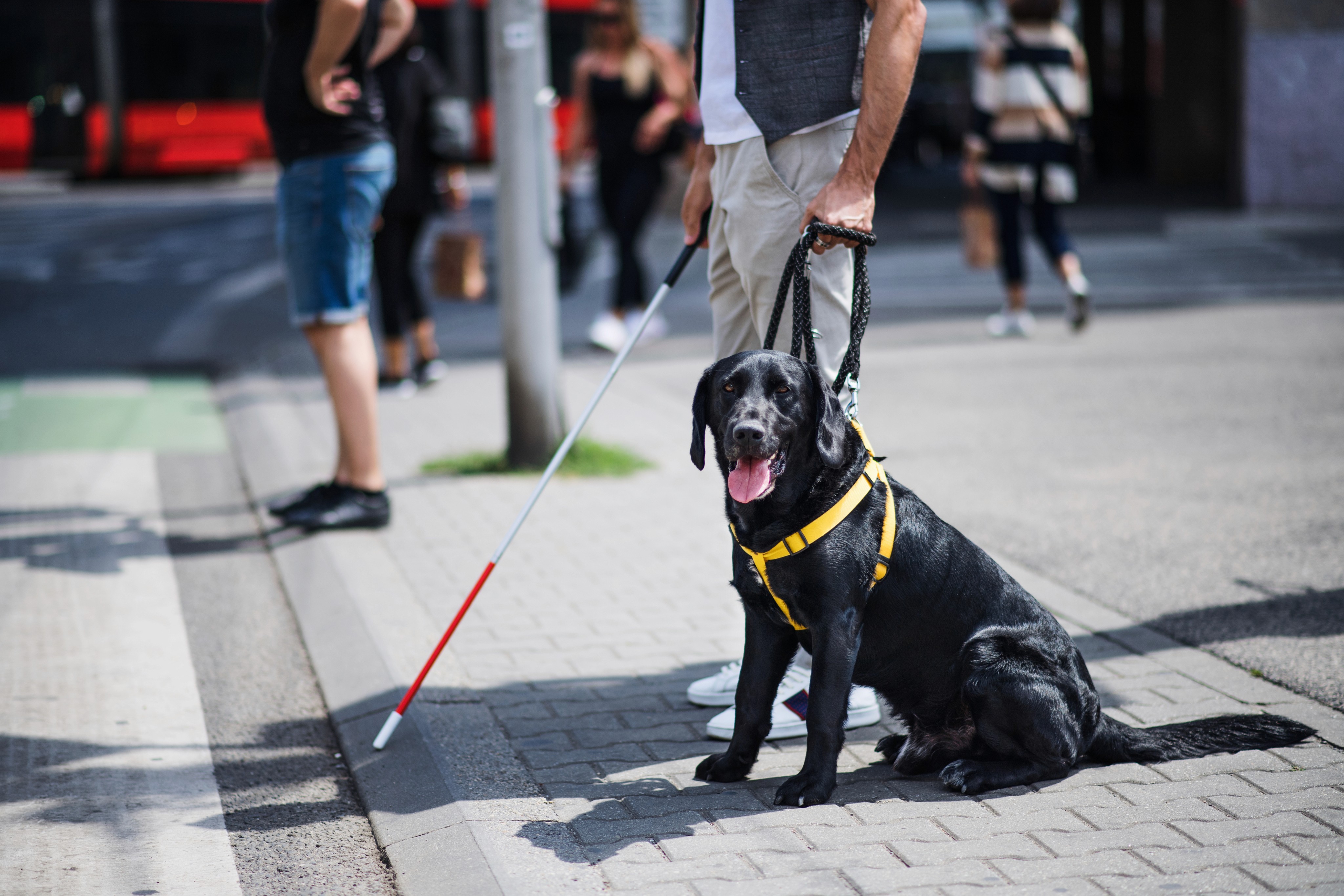
285 million people worldwide have blindness and low vision. Traditional navigation aids like canes and guide dogs fall short in supporting independent mobility. They can't detect all obstacles, slippery floors or helpful distant landmarks.
We saw an opportunity to help these users move around with confidence and supporting safe, independent mobility.
Traditional mobility aids have limitations
Beacon was a Human-Computer Interaction project at Ashesi University – a concept for a pair of smart glasses and a voice-first mobile app companion designed to provide real-time navigation guidance for blind and low vision users.
The fully accessible audio interface enables seamless interaction for users through simple voice commands
Fully accessible audio interface

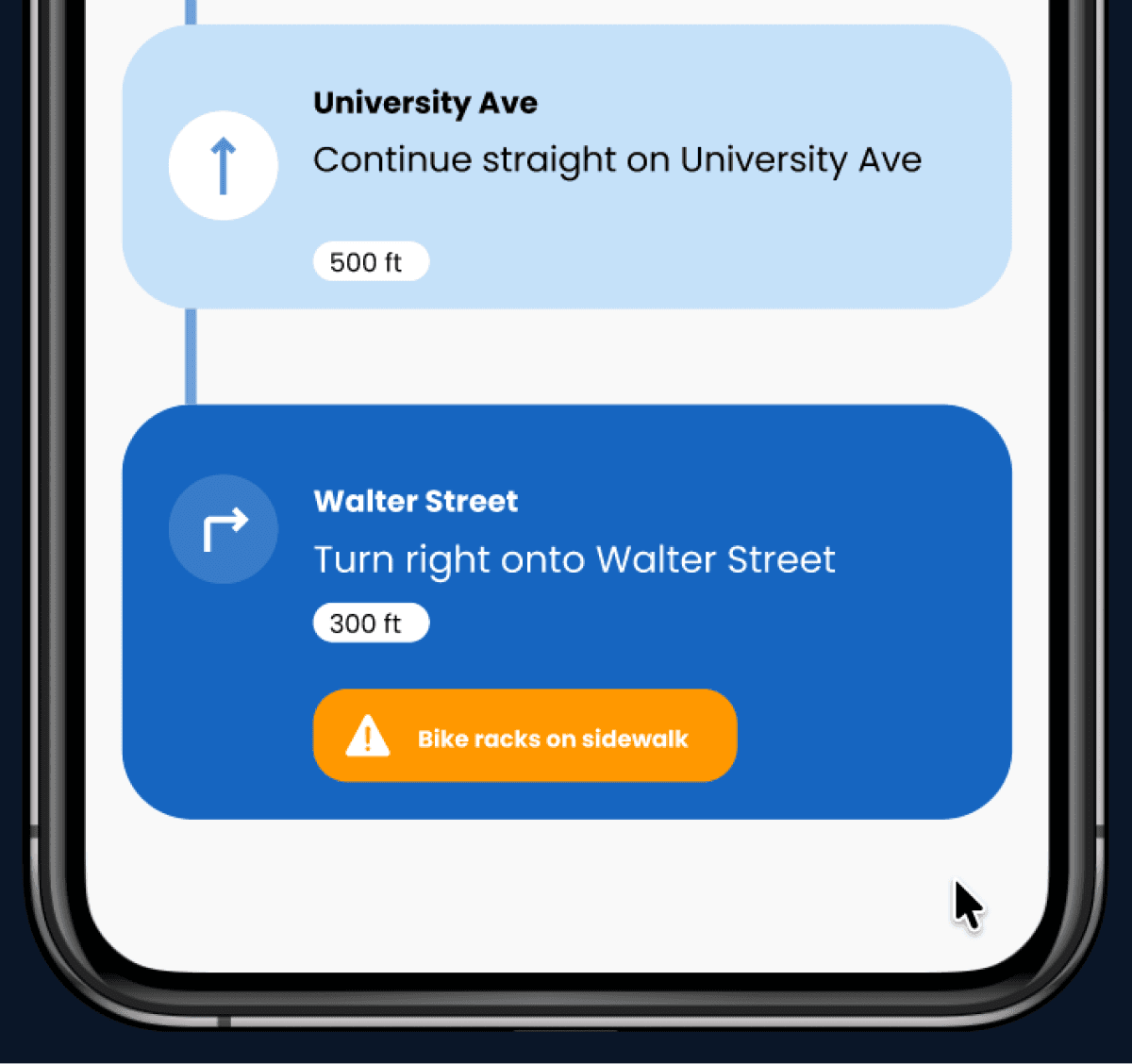
Beacon detects obstacles and provides alerts ahead of time to help users avoid collisions
Alerts help avoid obstacles
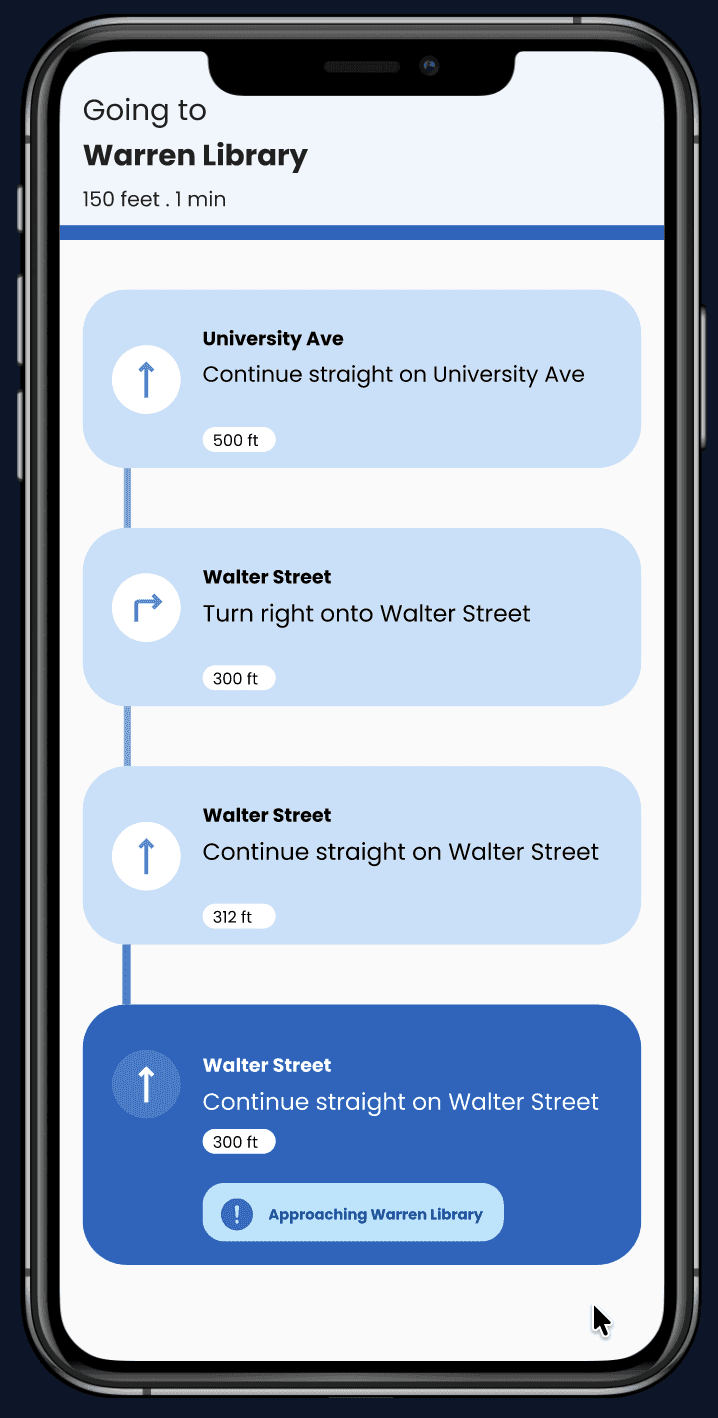
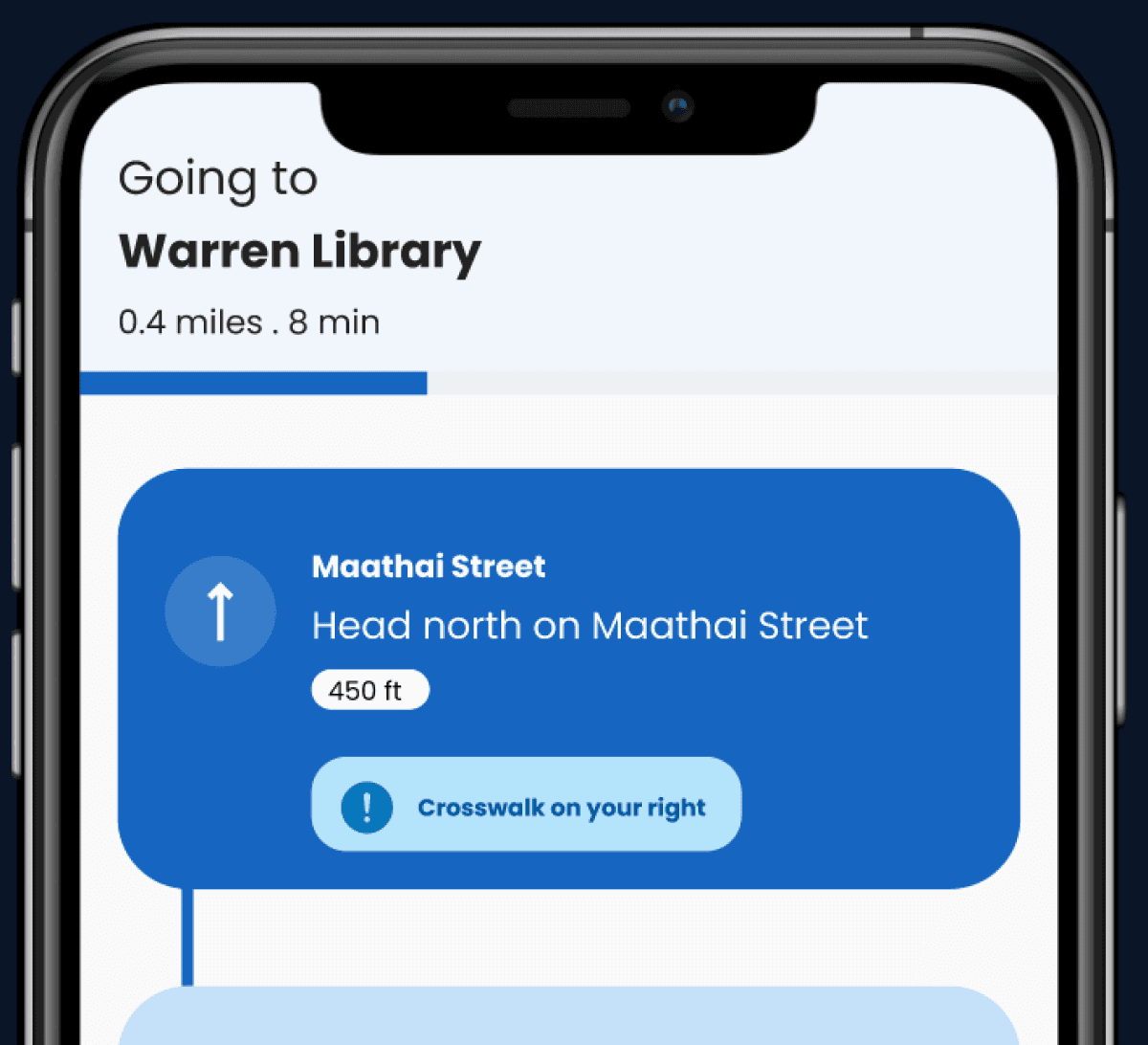
Beacon provides users with clear audio directions along every step of the way
Clear directions along the way
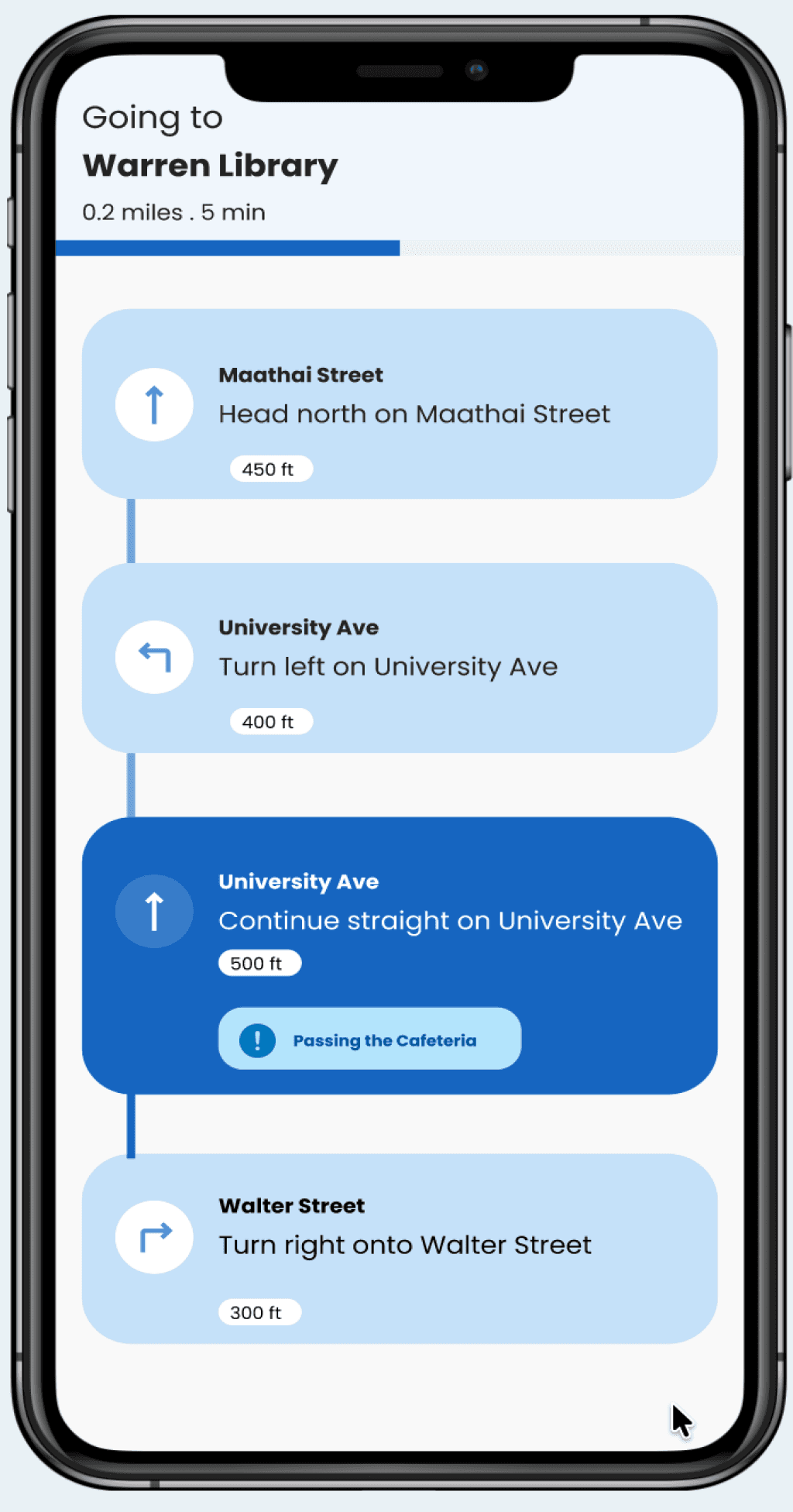
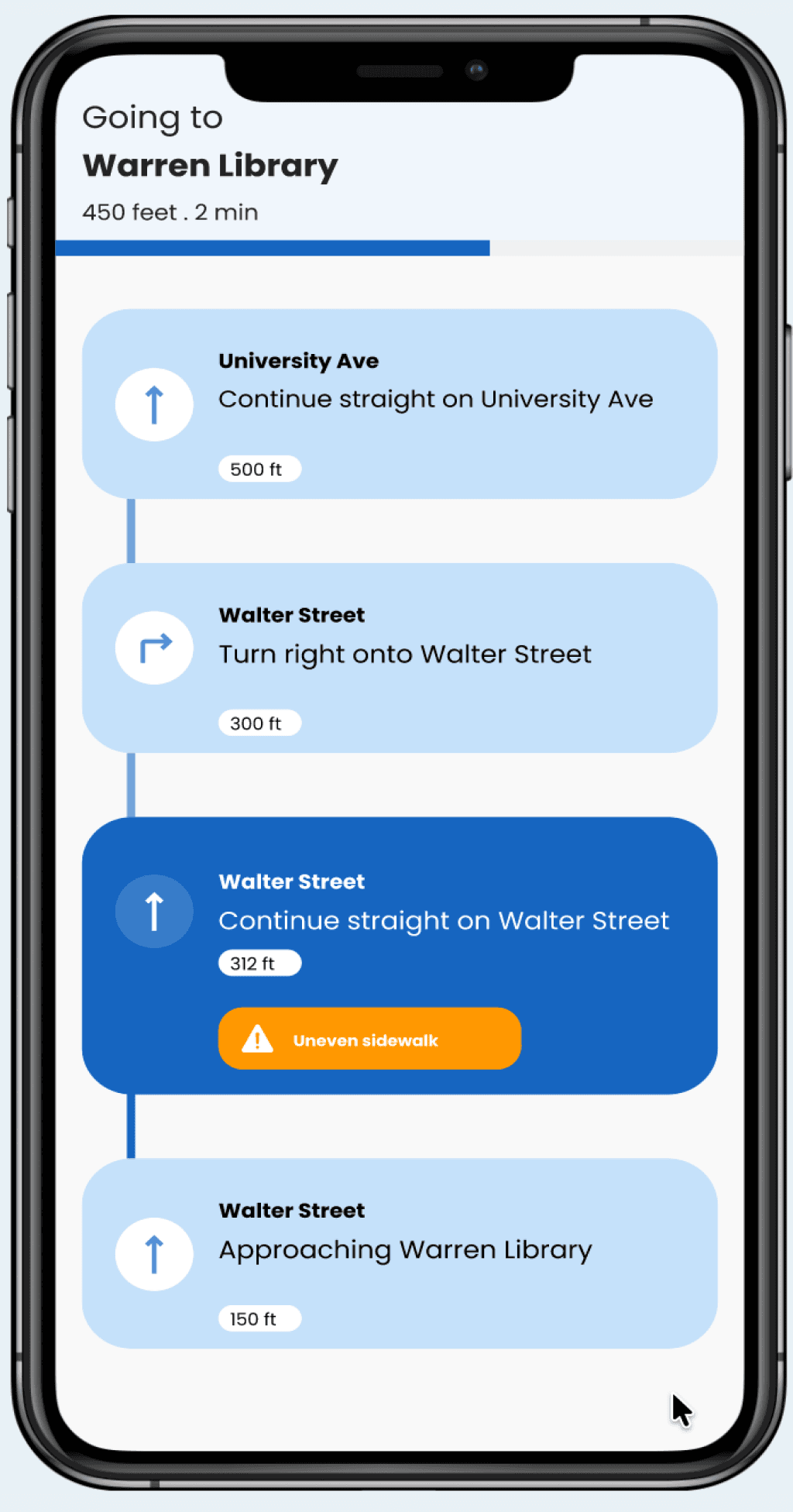
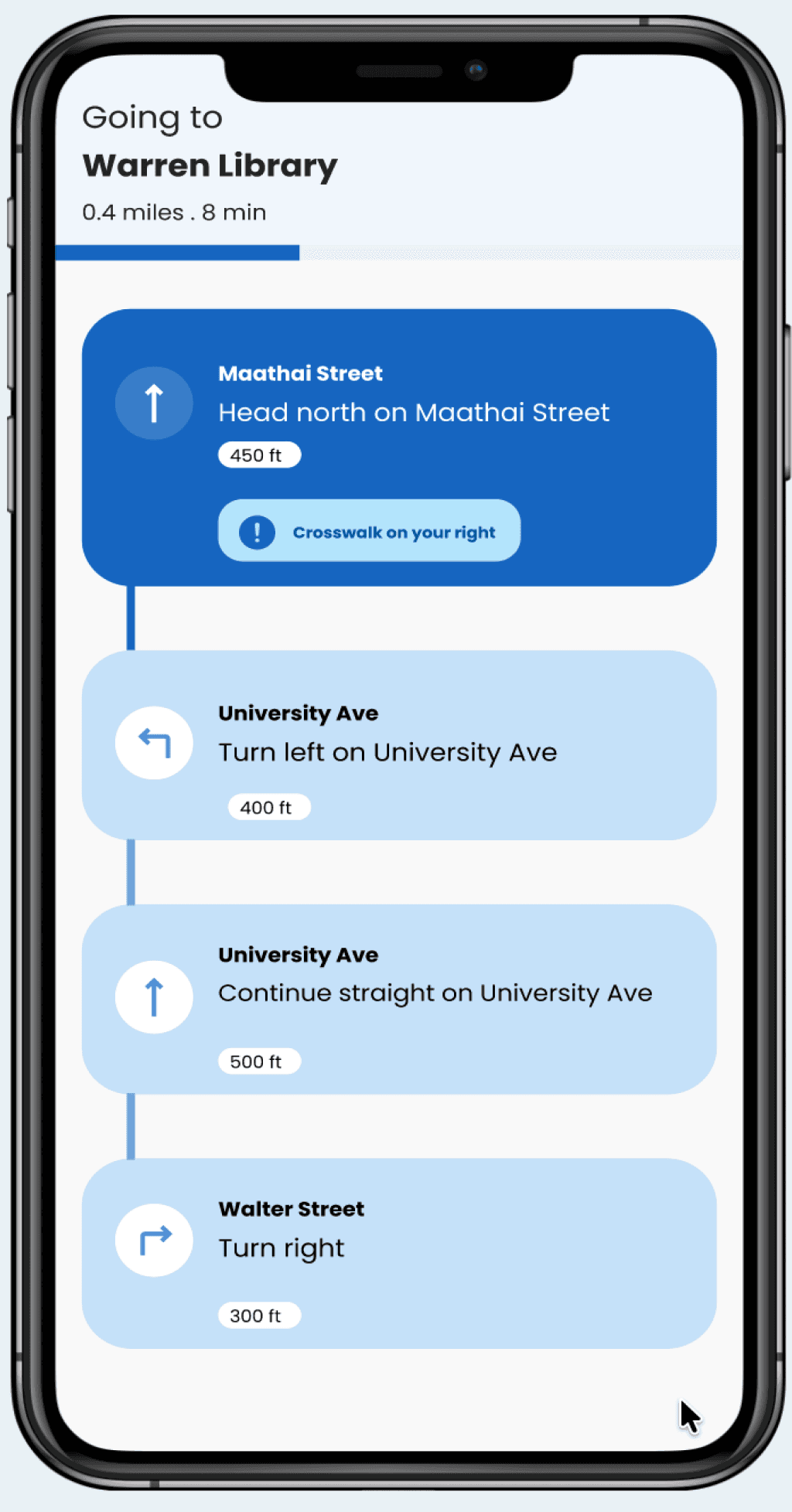
Haptic feedback (vibration) ensures an additional layer for safety and awareness of surroundings
Haptic feedback for safer navigation
A CLOSER LOOK AT THE FEATURES
FINAL SOLUTION
Real-time guidance for safe and independent navigation
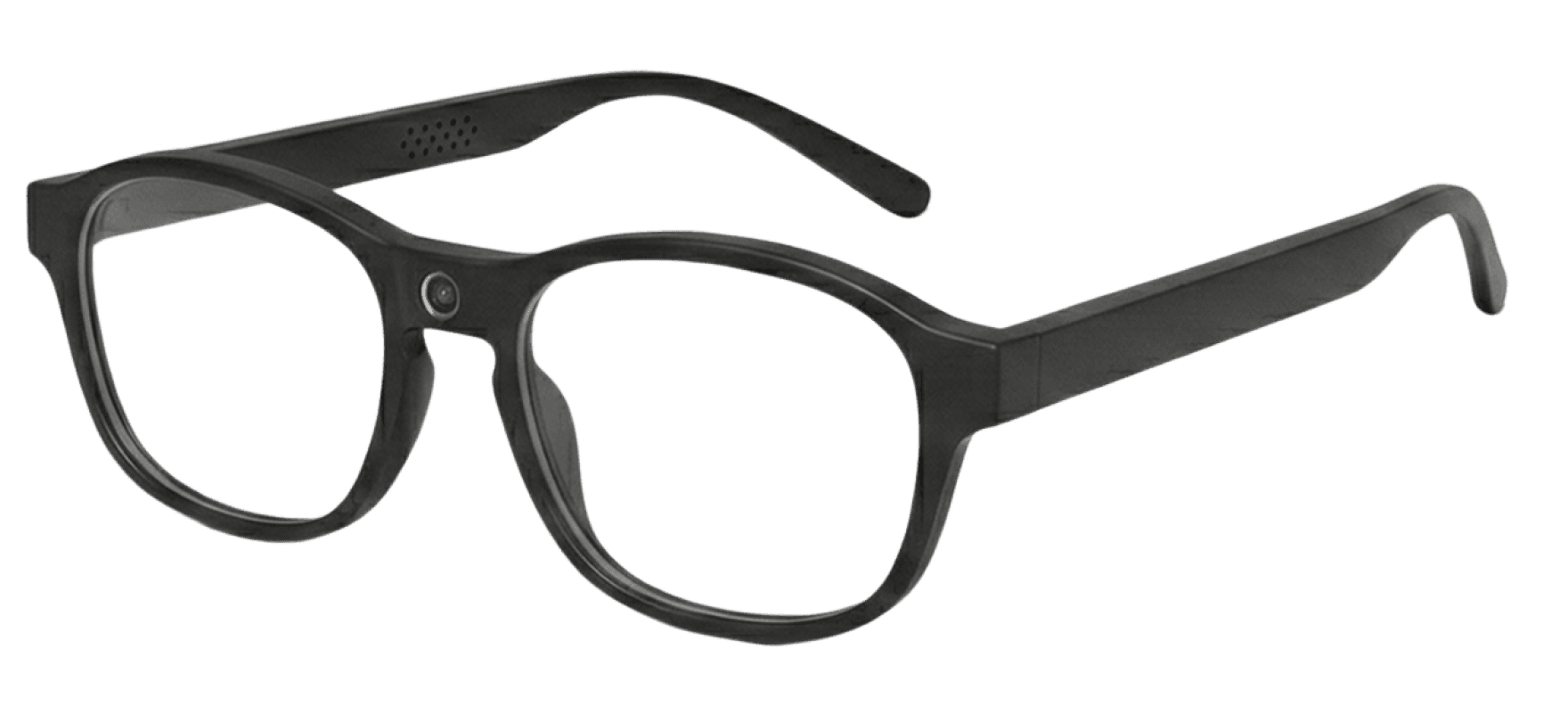
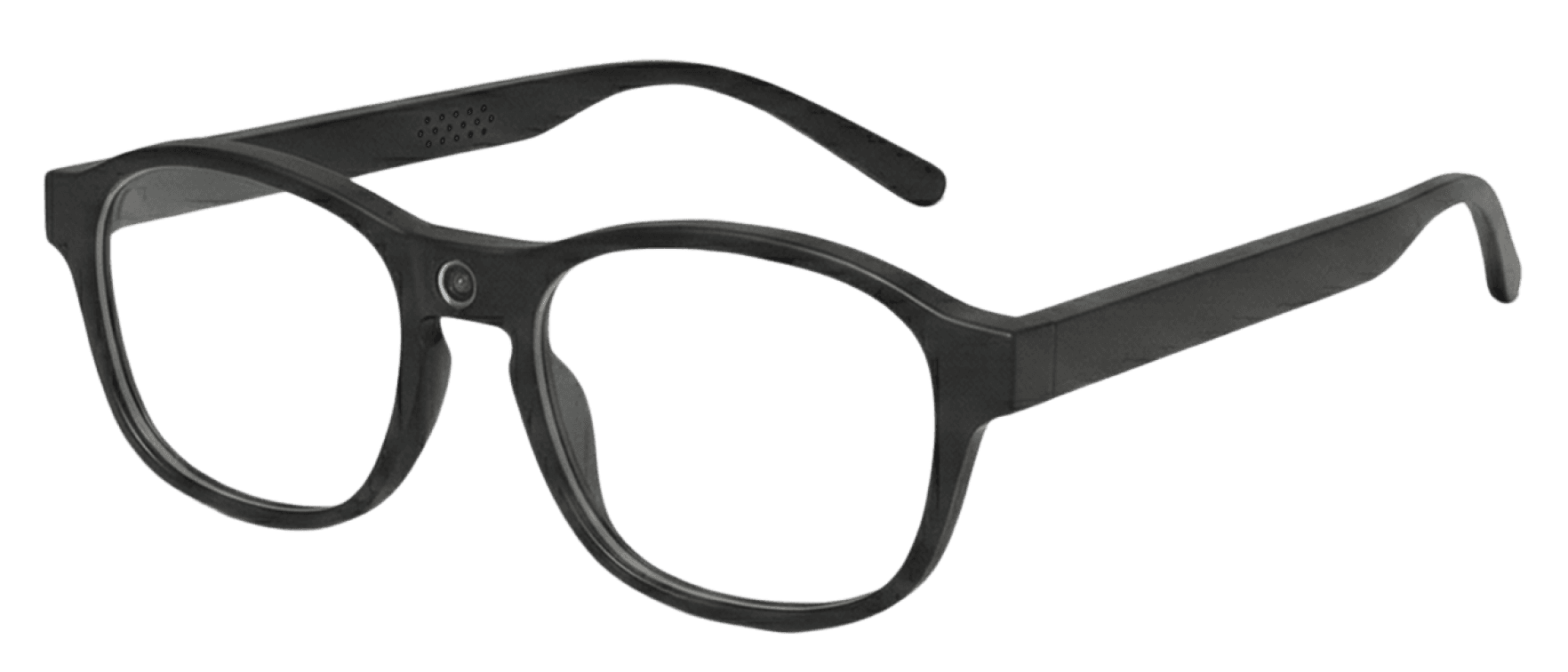
Beacon features smart glasses and a mobile app companion designed for safer real-time navigation guidance to help blind and low vision users move around with much confidence and safety.
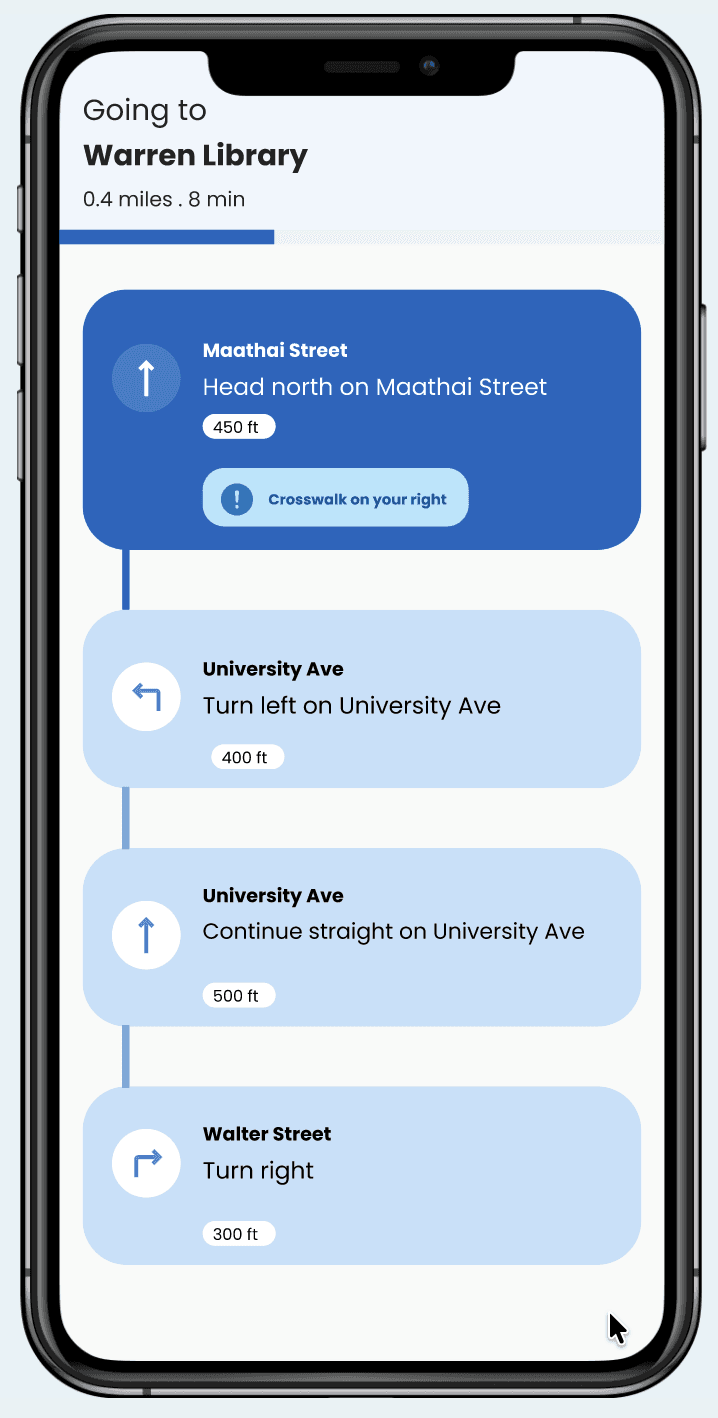
cameras detect obstacles in real-time
Companion mobile app
Need-finding
Desk research
Observational research*
Problem definition
Ideation
Brainstorming
Concept development
Competitive analysis
Prototyping
Beacon hardware design
Beacon app design
Interactive prototypes
Testing & Evaluation
Concept validation*
Design critique *
Design iterations
PROCESS
How Beacon came together
NEED-FINDING
Understanding the challenges blind and low vision users face
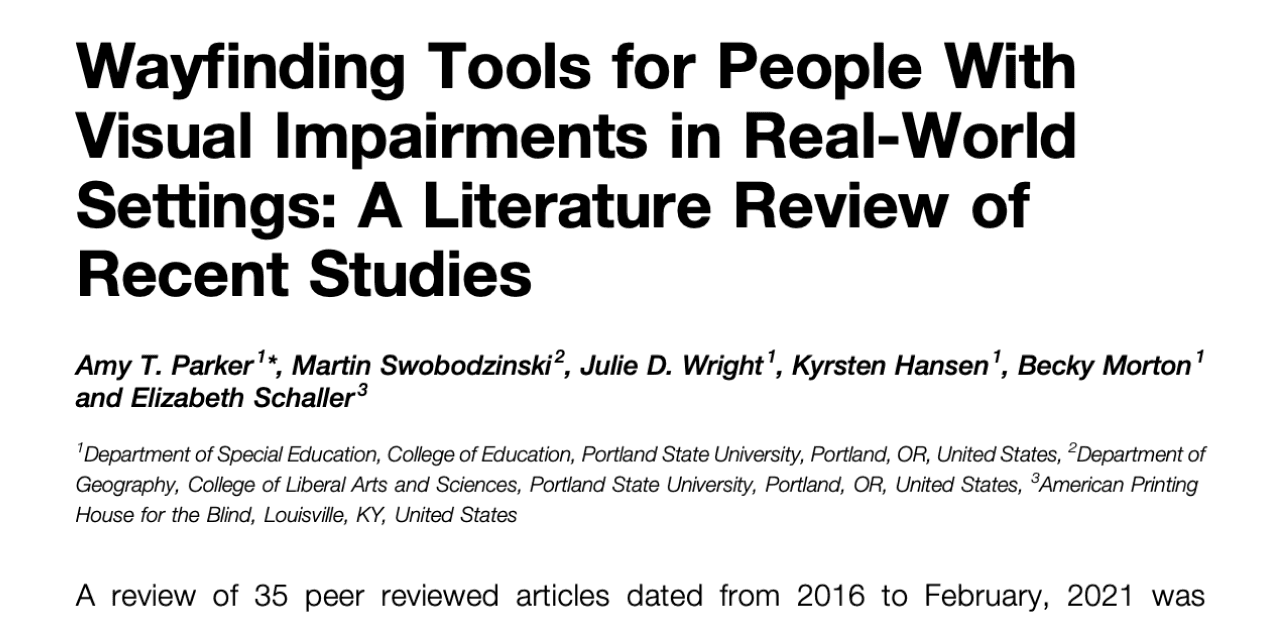
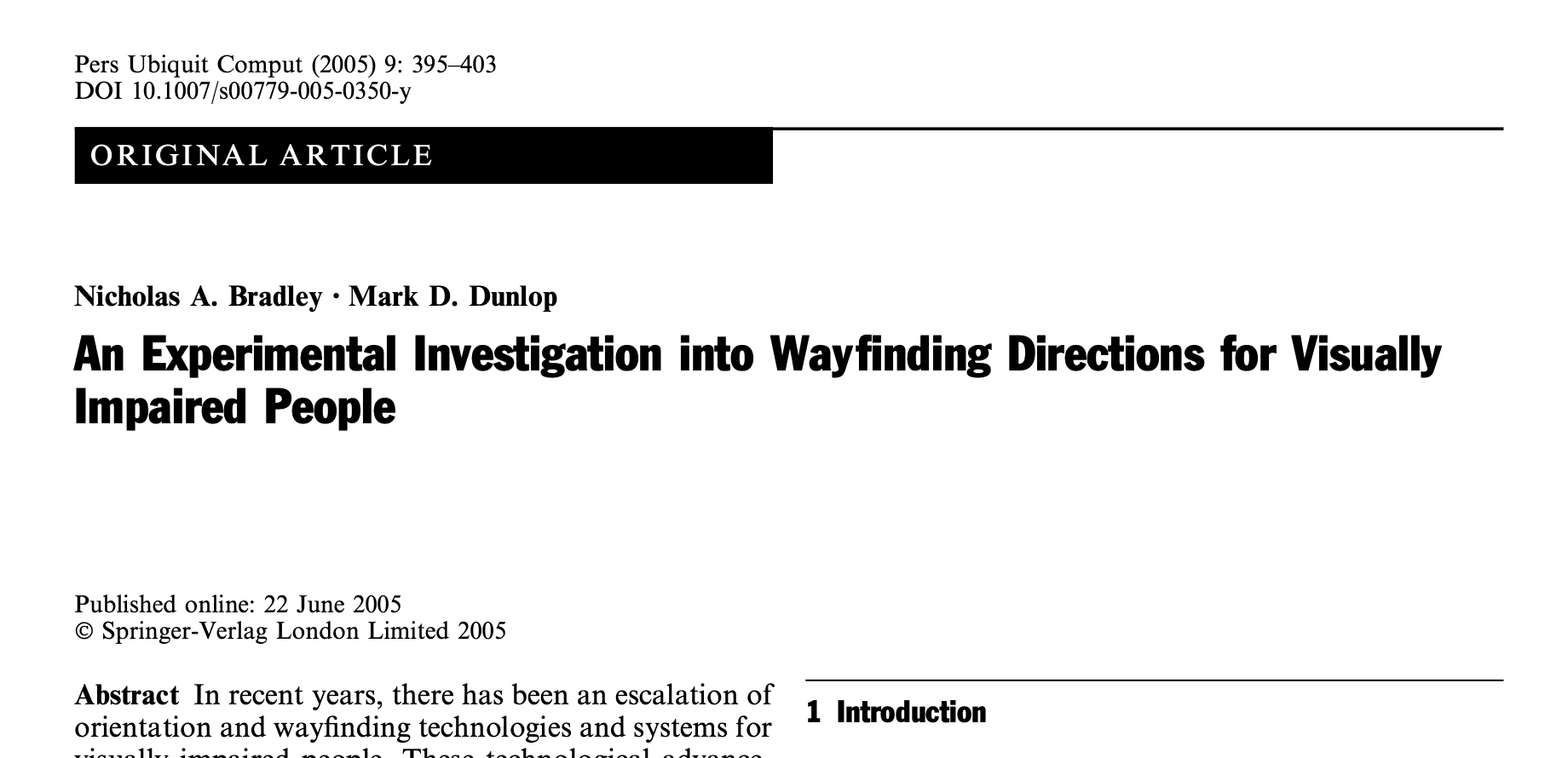
To understand the challenges our users face, we asked “How might we use technology to empower visually impaired people?” But this was too broad, so we conducted research that helped us establish a clear focus for the problem space.
Desk Research
Observational study*
From an observational study with six blindfolded participants as proxies, we learned that mobility was a pressing issue. Our research participants couldn't move around freely without asking for assistance.
Our desk research revealed 80% of human perception relies on sight. Yet vision loss significantly impacts navigation, social participation, and independence.
Navigation emerged as the most critical challenge from our research, so we narrowed down the scope of our problem space to support visually impaired users in their mobility.
Our question then became: How might we empower visually impaired users navigate independently?
IDEATION
Exploring concepts for real-time navigation guidance
Based on our research findings, we explored three concepts and evaluated them against four key requirements. Smart glasses with a mobile app companion met all four criteria.
Concept
Voice interaction
Audio guidance
Obstacle detection
Spatial awareness
Smart glasses + app
Smart cane with sensors
Mobile audio app
DESIGN EXPLORATION
What interaction pattern works best for users?
With smart glasses selected, we prototyped to figure out the interaction pattern and form factors that would best for users. Drawing from the interactions we were already familiar with, we designed the first iteration. But design critique revealed three key issues
1
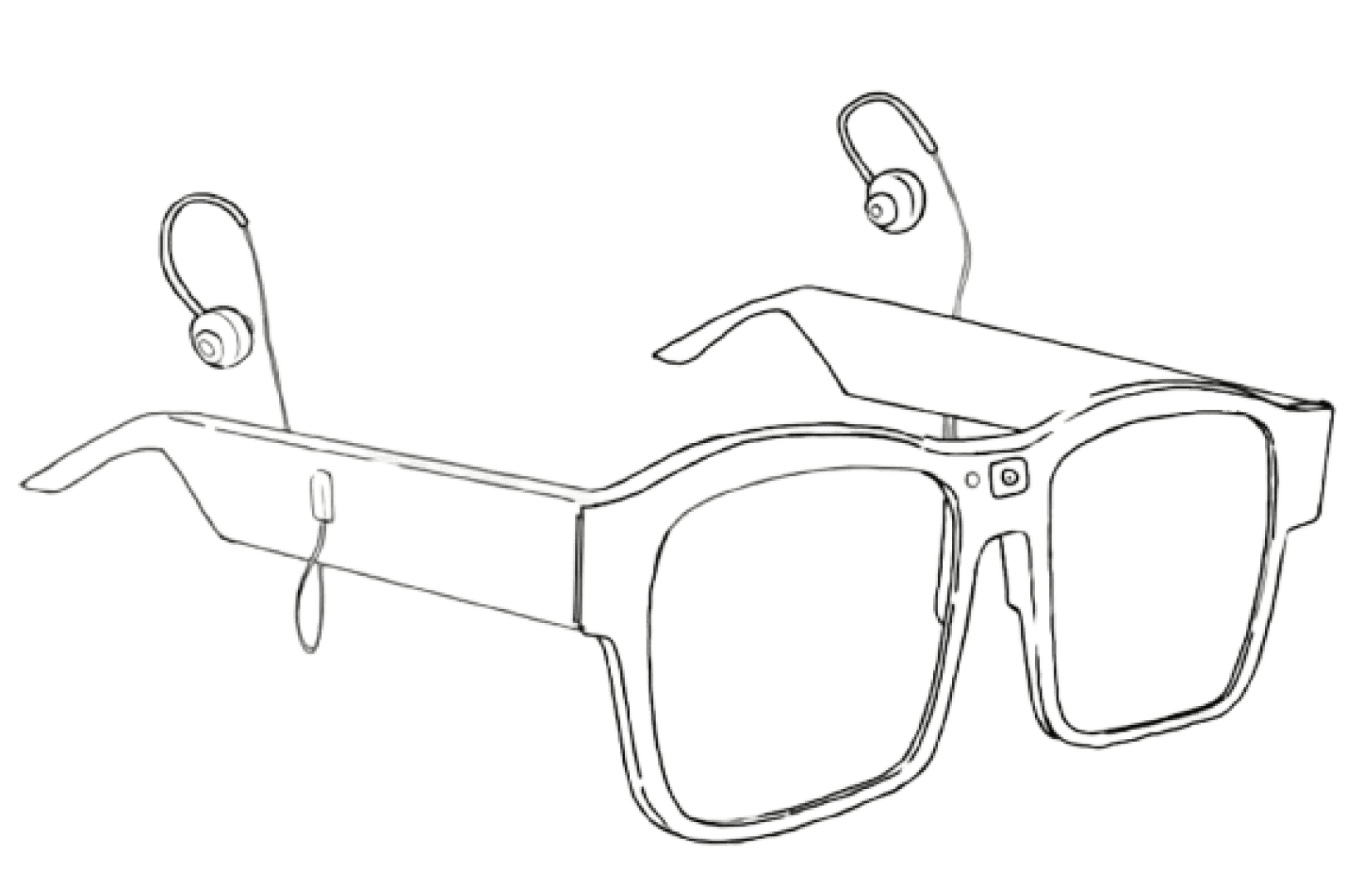
earbuds
Camera
1
Glasses with sensors and earbuds
First iteration
Second iteration
Mobile companion app
Our initial design of the glasses featured earbuds that extended from the temples. Design critique revealed earbuds blocked ambient noise, which is actually useful for safer navigation
The earbuds blocked noise from the surrounding environment
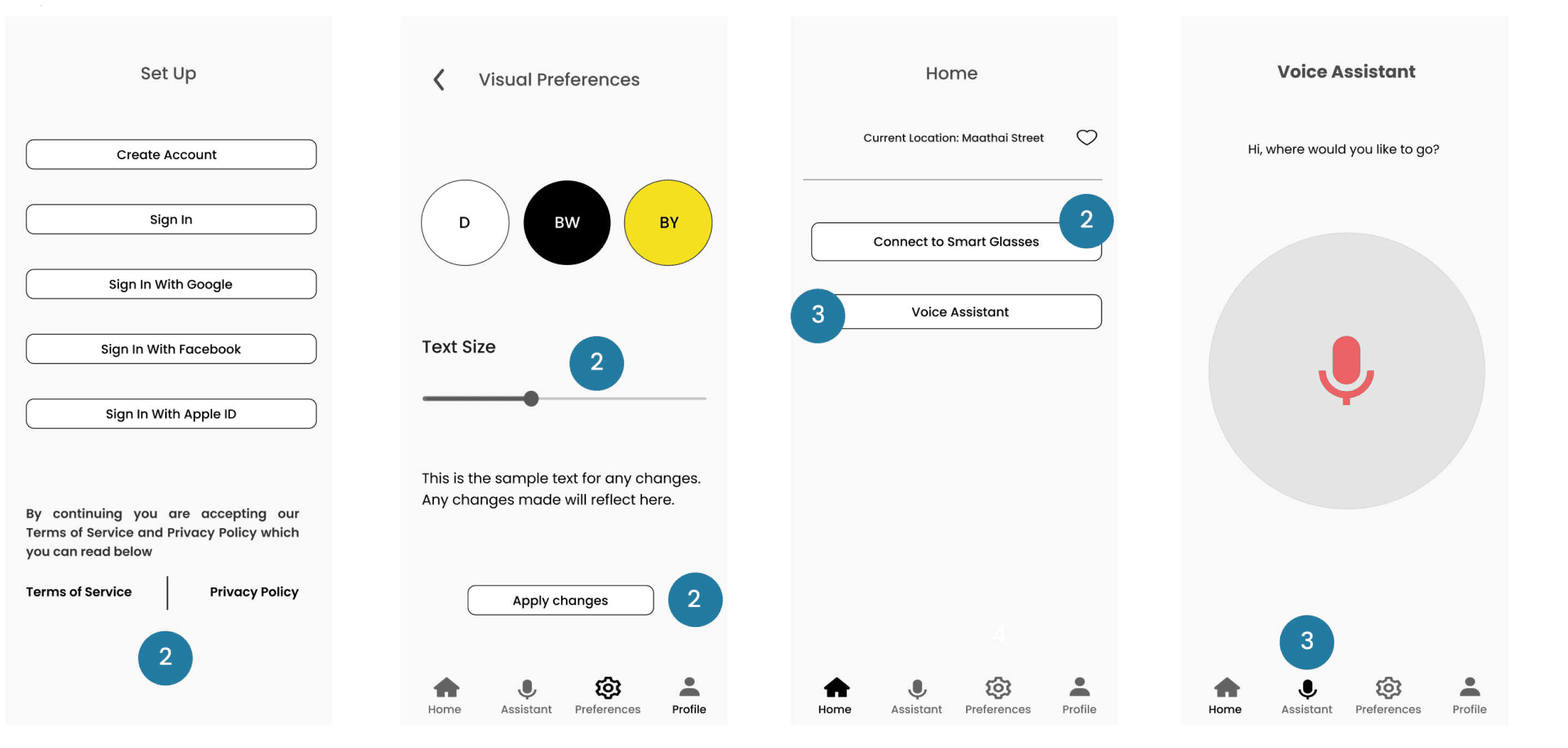
The first iteration of the app had a visual onboarding flow, touch controls, and a voice-enabled navigation assistant.
Like the glasses, our initial design for the app had some issues
One critical issue emerged with the glasses
With small touch targets and a text heavy onboarding, the design felt as if it’s for sighted users
2
Unclear entry point for the “Voice Assistant” feature and lack of feedback
3
We replaced the earbuds with embedded speakers in glass temples to ensure safety
Embedded speakers in the glass temples
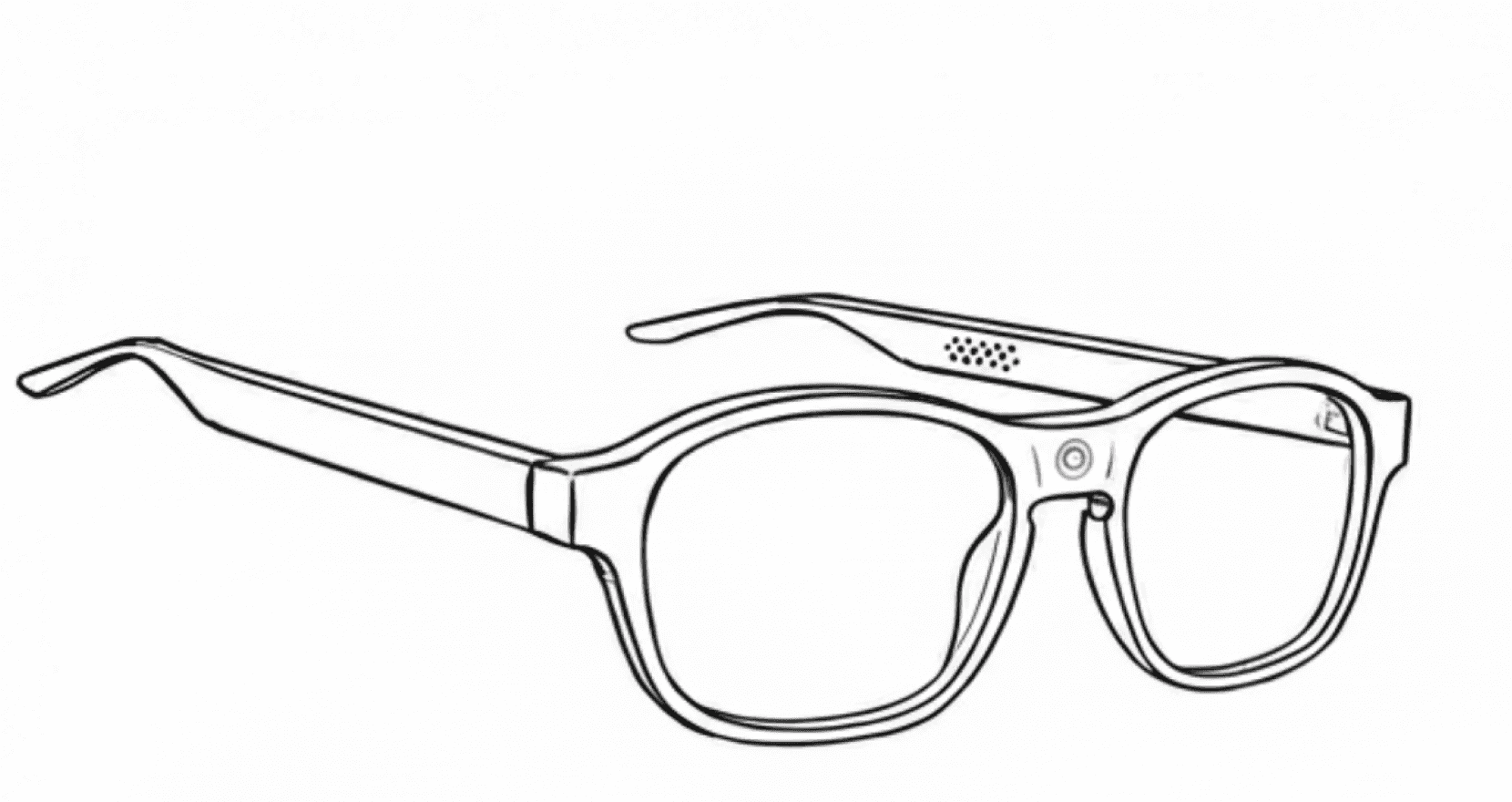
front-facing camera
1
speakers embedded into glass temples
We also redesigned the interface for a voice-driven interaction pattern and removed all onboarding, immediate access to navigation guidance
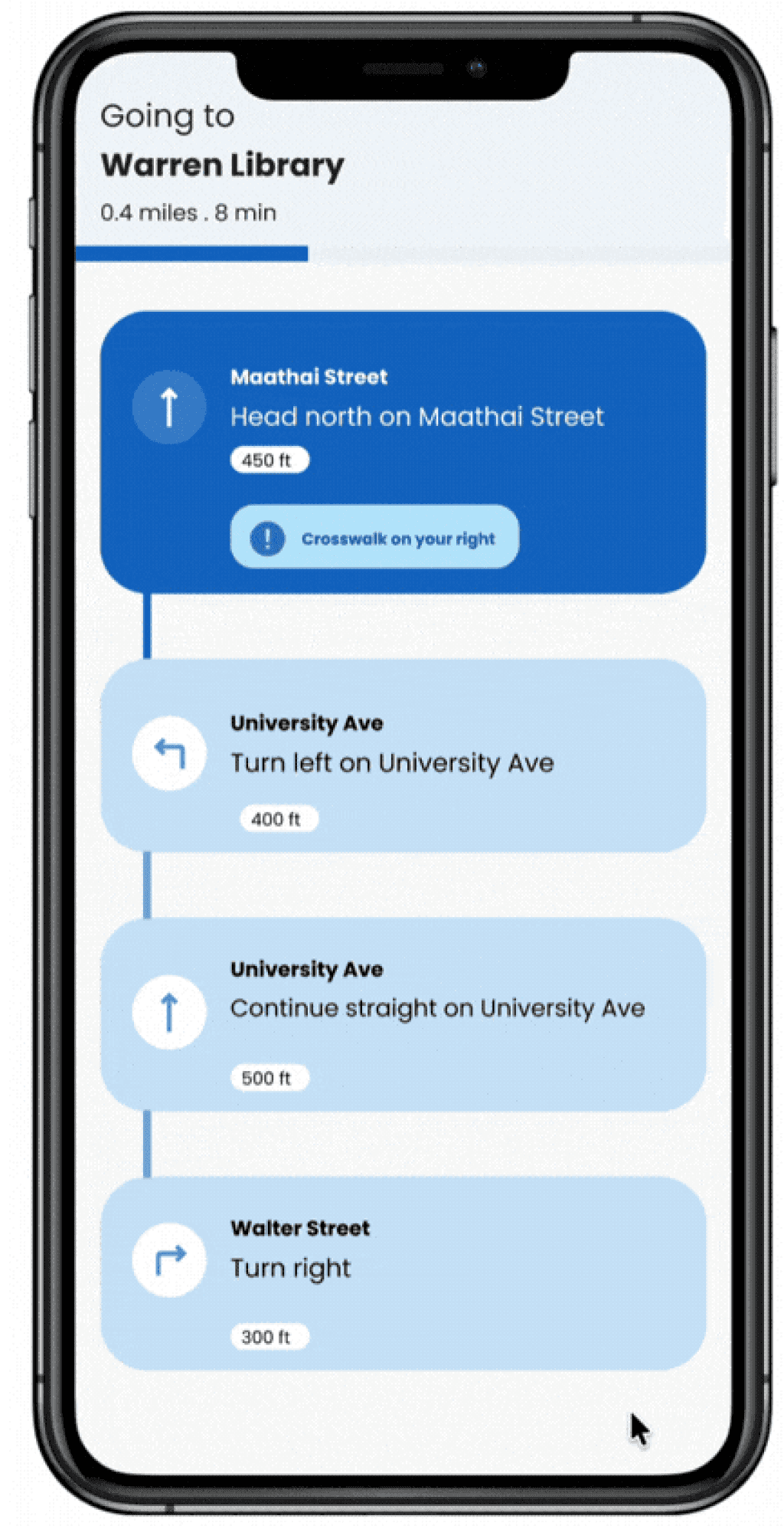
We redesigned for much safer navigation by including clear audio directions, haptic feedback (phone vibrations) to confirm turns and signal obstacles, along with spatial cues to help users understand their surroundings 10986
Redesigned for a voice-driven interaction model
Incorporated clear audio navigation guidance, haptic feedback, and spatial alerts
4
Informed by the critique we received, we iterated our designs to address the issues that emerged
IMPACT
We produced research-backed principles for assistive navigation design
We produced research-backed design principles for designing assistive navigation technologies for BLV users. These principles remain relevant today when wearable technology is becoming more popular
While voice reduces cognitive load for users, surrounding noise is essential for safe navigation
Allow for surrounding noise; it ensures safety
Use multiple layers of feedback (auditory, haptics, and spatial) for much safer navigation
Use multiple forms of feedback to enhance safety
Design for proactive feedback to give users enough time to respond and move around safely
FINAL DESIGNS
Real-time navigation guidance for blind and low vision users
Through further design evaluation, we learned clear audio navigation guidance isn't enough on its own. Our final design has audio, haptic, and spatial feedback all working together to help users move around safely.
Smart glasses detect obstacles and deliver all direction guidance
Alerts for spatial cues like buildings and landmarks
Camera
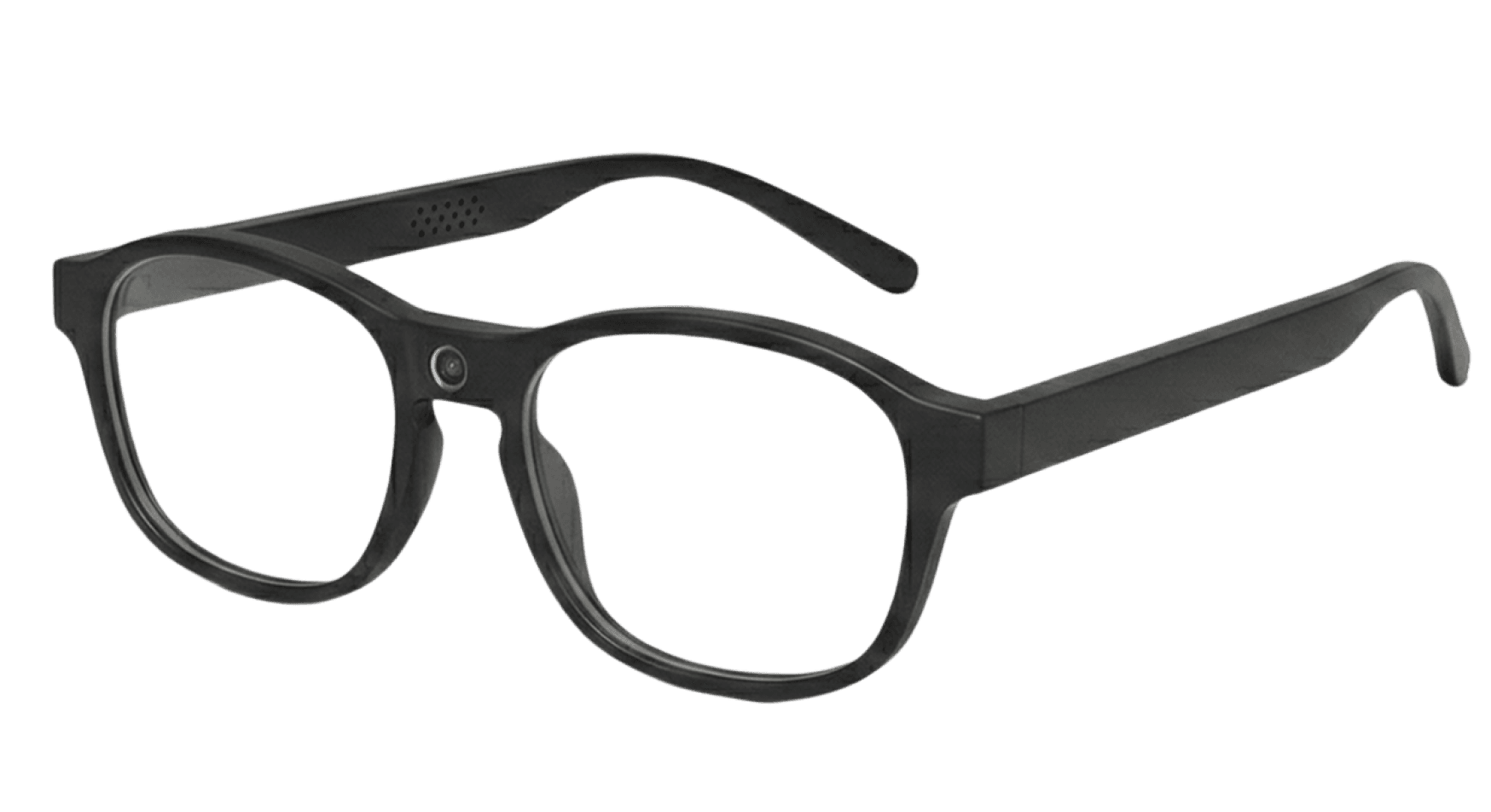
Speaker
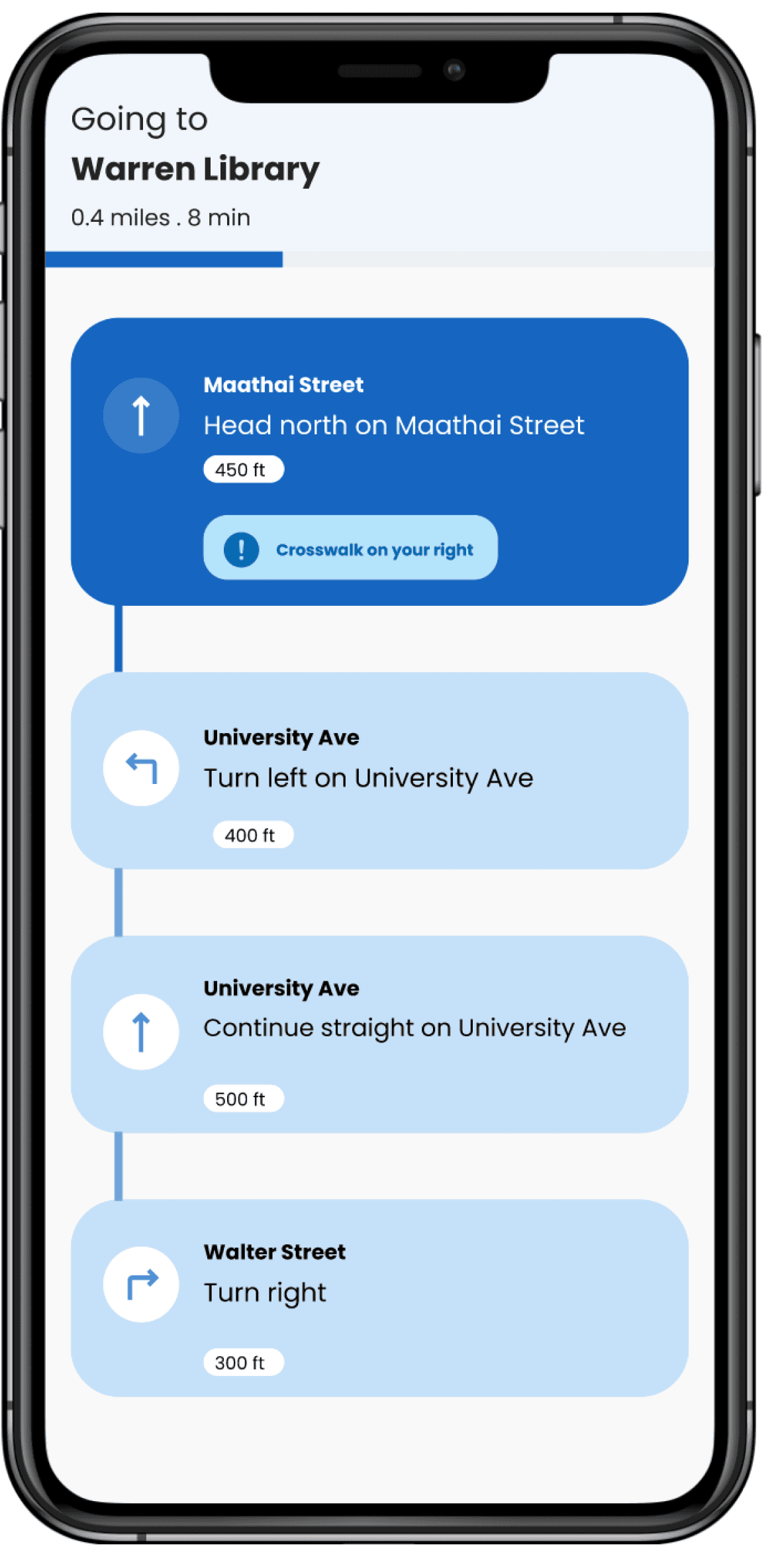
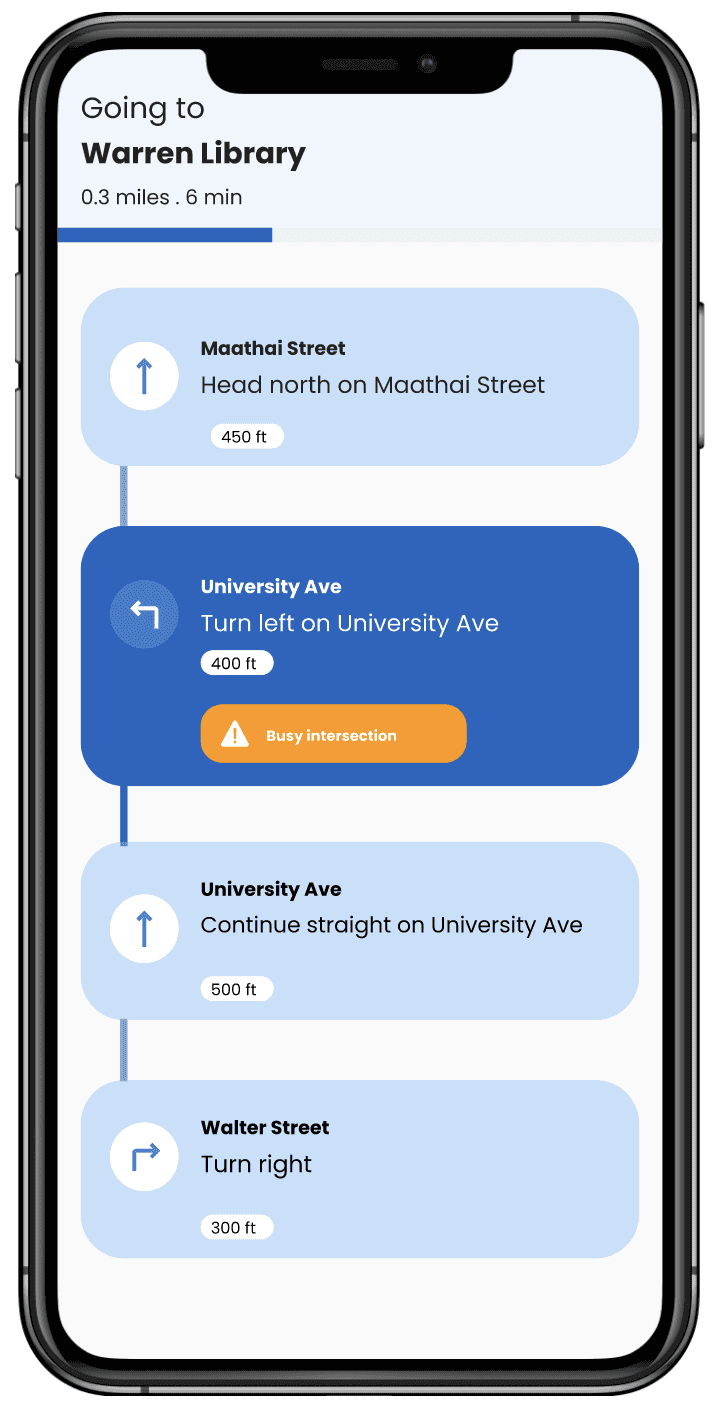
Audio directions, haptic feedback, and spatial cues all work together to support users move around safely every step of the way
Warnings for obstacles
REFLECTION
A few things I learned from this work
Working on this project taught me two important lessons I still follow in my design work today
Don’t assume features without validating user needs: Each iteration revealed gaps in our assumptions about accessible design
Design with users from the start; they shouldn’t only be recipients in the design process